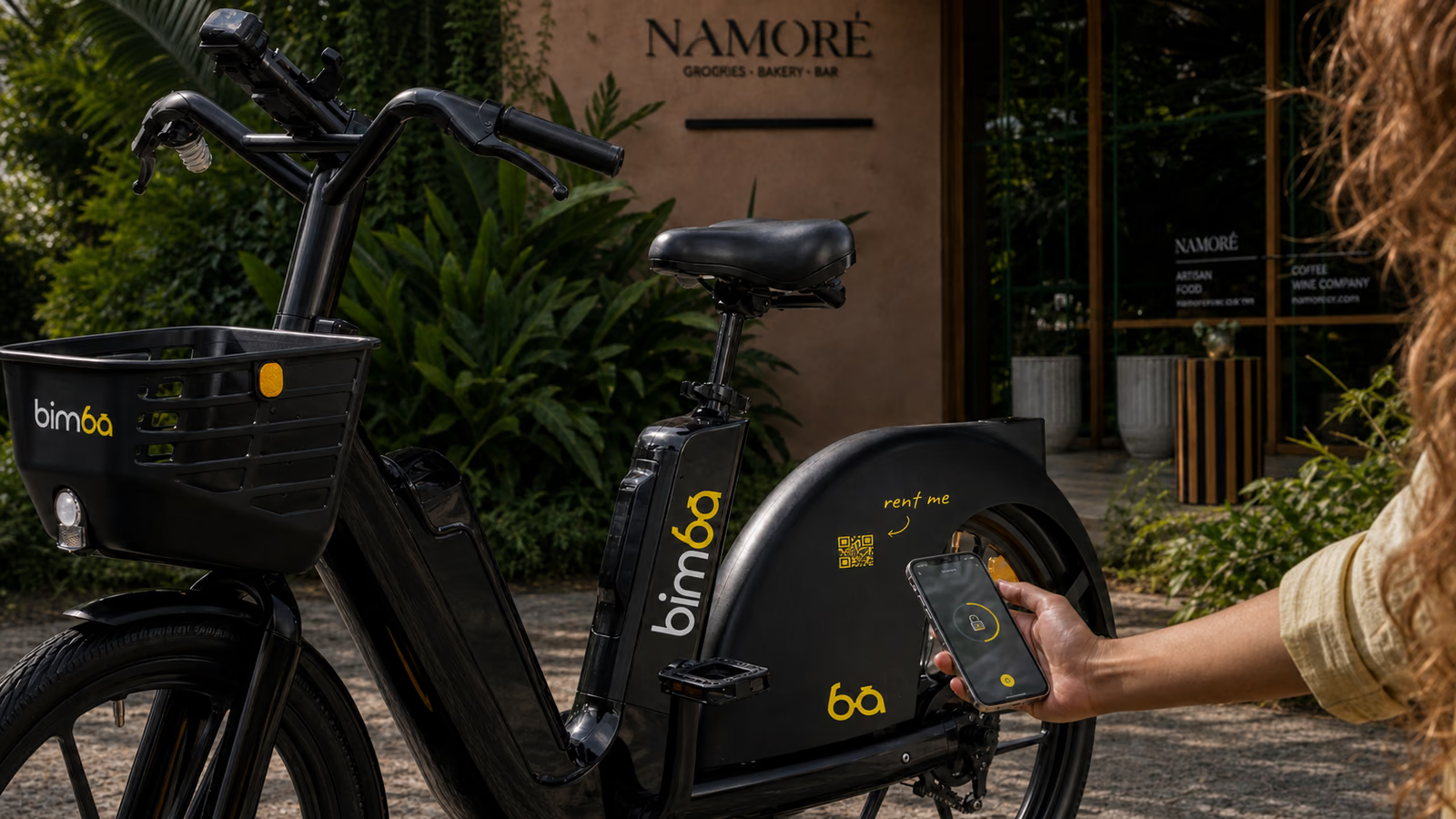
Look at the tires, wheels, frame, lights and controls, then test the brakes while the vehicle is still stationary. Check the battery shown in the app. If anything looks damaged, loose or unusual, leave that vehicle parked and choose another one.
02
Scan the QR code
Select the vehicle on the live map or use the scanner in the app. Confirm the vehicle and current price shown on screen before starting. Do not move until the app identifies the correct QR number and shows an active trip.
Bring and fit your own helmet before entering the road.
Move into a stable starting position away from traffic.
For an e-scooter, push off gently before using the accelerator; the motor may need a little movement before it engages.
For an e-bike, sit comfortably, check the road ahead and begin pedaling smoothly.
03
Use the permitted corridor
Start only on the active main-road corridor shown in the app. The northern boundary is generally near Somos in rainy season and NAMI in dry season; the southern boundary is the last Bimba point in Mal País near the pizza location shown in Bimba materials. The app map controls the exact boundary each day. Restricted beach-side and mountain-side roads can cause the vehicle to slow and later stop after it leaves the corridor.
04
If the ride does not start
Do not force the lock, throttle, wheel or dock. Read the message in the app, take a screenshot and note the QR number. Choose another available vehicle if the app reports a vehicle problem. If a charge or active trip appears without a usable ride, contact Bimba support.
✓
Reviewed by Bimba Operations TeamOperational information verified · August 5, 2026