
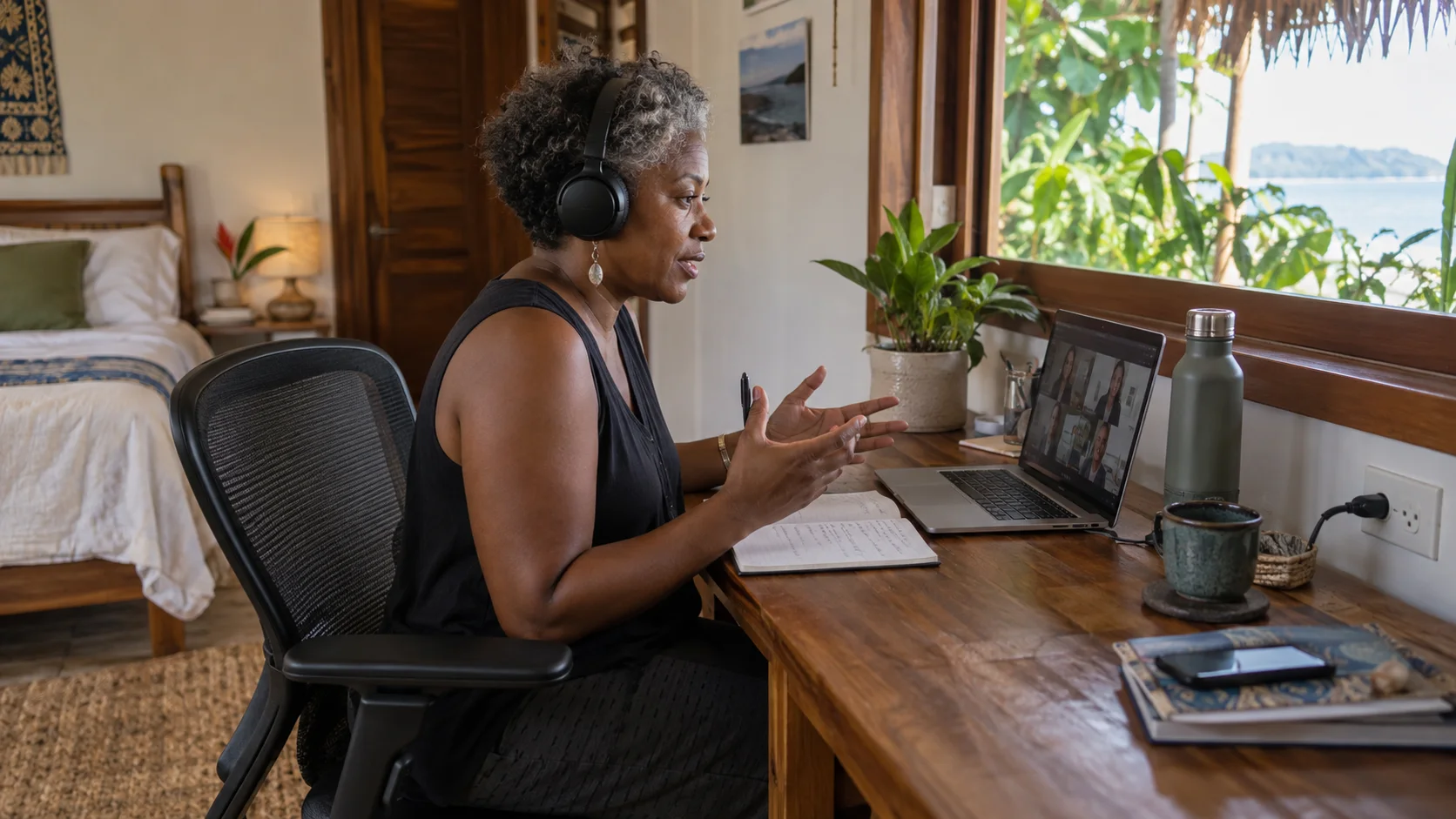
A Santa Teresa workation works best when the workday has a reliable shape. Know when you need to be online, choose a setup that supports those hours and put activities around it. You can enjoy the location more when calls, meals and errands are not competing for the same gap in the day.
Define the workday before choosing the room
Write down the hours when you must be online, the calls you need to take and the equipment your work requires. A person who uploads files and joins video meetings has different needs from someone doing mostly offline writing.
Confirm your meeting times in Costa Rica local time for the actual travel dates. Do not rely on a remembered time difference when colleagues may be on a different daylight-saving schedule.
The Santa Teresa digital nomad guide covers the broader destination. For your booking, ask to see the actual desk and room you would use.
Check the desk, not only the Wi-Fi symbol
| Work requirement | Evidence to request |
|---|---|
| Video meetings | A recent connection test from the room or workspace |
| Long desk sessions | Desk and chair photographs with usable dimensions |
| Calls | A private or suitably quiet space |
| Equipment | Reachable sockets and enough work surface |
| Concentration | Current construction, music or shared-space conditions |
| Backup | Another place you can realistically use if the first fails |
An advertised internet connection is not a measured service guarantee. Ask how it performs in the room, not only beside reception's router. If your work depends on a particular application, test that application early in the stay.
Accommodation desk or coworking pass?
Working from accommodation reduces daily travel and can suit private calls if the room is appropriate. A coworking space may offer a more deliberate work environment and meeting facilities, but adds a commute and access conditions.
Armonia advertises coworking day passes and memberships, with call booths and meeting rooms. Confirm whether those spaces need separate reservations and whether the selected pass includes them. Try a normal work session so you can assess the connection and noise yourself.
For the first day, a short pass can provide better evidence than immediately buying a long membership. Check opening hours against your working schedule and ask whether entry is possible for early or late calls.
Build a backup that you can actually use
A backup plan should name a second location or connection, not just say “use mobile data”. Check that your phone plan allows the intended use and that reception is adequate where you work. Tethering suitability depends on signal, device, plan and workload.
Save important files for offline access where your work permits it. Keep chargers and essential adapters together so a move to another workspace does not leave you without a necessary cable.
For confidential calls or sensitive work, use the tools and connection practices required by your employer. A public café may be convenient for email but unsuitable for private conversations or unattended equipment.
Keep meals and errands close to the work block
Choose accommodation with a practical food option nearby. Crossing town for every meal turns short breaks into transport tasks and makes it harder to return on time for calls.
A simple routine is breakfast near the room, one uninterrupted work block, lunch in the same area and an activity after the day's fixed commitments. Change the sequence to match your time zone rather than copying a generic digital-nomad schedule.
Plan groceries and laundry outside important meeting windows. If a delivery is used, confirm where it can be received so you are not repeatedly interrupting calls to direct a driver.
Design one ordinary working day
Write your first meeting and finishing time in local time for the dates of the stay. Then place meals and any commute around that block. An early activity may fit well, but only if it leaves enough time to return, change and connect calmly.
For a backup, choose something you can really use: a tested mobile connection for the task or a workspace with access during your hours. A second Wi-Fi name in the same building may not solve the same interruption.
Keep errands close to the work block and save longer outings for free time. A sustainable routine makes the stay feel like both a productive work period and a worthwhile trip.
Compare the whole workation cost
Add accommodation, workspace, mobile data, meals and repeated transport. A less expensive room can cost more overall if it requires a coworking pass and daily transfers. A higher room rate may include a useful workspace, but verify that it meets your needs.
For a monthly booking, clarify utility charges, cleaning, deposits and cancellation separately. Ask for the terms for your dates rather than assuming a nightly listing describes a long-stay agreement.
For the next part of your plan, see our testing a coworking day pass and choosing a mobile-data setup.
Book the actual work space, not an attractive property photo
Ask the host which room or unit you will receive and request a recent photo of its work surface, chair, socket and light. A listing may show a shared lounge, while your calls will happen in a bedroom with a small side table. For long sessions, check whether the chair has usable back support, whether the laptop can sit at a comfortable height and whether the room stays tolerable at the hours you work. If you need two screens or a keyboard, include the space they occupy.
Ask whether construction, music, shared kitchen traffic or housekeeping might interrupt your meeting window. Sound conditions change by room and hour, so a general “quiet property” description is weak evidence. If privacy matters, ask whether the door closes and whether other guests can hear calls. Use headphones, but remember that a headset does not prevent background noise from reaching colleagues or confidential information from being overheard. A room that is pleasant for reading may be unsuitable for a client meeting.
Test the connection for your workload
Ask for a recent test from the exact room or work area, ideally at a similar hour to your calls. A single speed number does not prove that video will stay stable: consistency, upload performance and brief interruptions matter. If the host can explain the connection type and whether the workspace has a backup, record that as useful evidence. Do not publish a universal speed guarantee for Santa Teresa or rely on a screenshot taken elsewhere on the property.
Before the first important meeting, run your own call test, upload a representative file if that is part of your work, and check how your laptop behaves on the local network. Make sure you know the network credentials and who to contact if it fails. If your employer requires a secure connection or specific VPN, test that too. A backup mobile connection is only useful if your carrier has adequate signal at the actual unit and your plan allows the needed data; verify rather than assuming.

Have a usable backup, not just a second pin
Write down one alternative place where you can realistically work during the critical hours. Check that it is open then, accepts the kind of call you need, has power and seating, and can be reached quickly from the accommodation. A lively café may work for email but fail for a confidential meeting. A coworking room might require a pass or reservation. The right backup is the one you have tested against your actual work, not merely one with a Wi-Fi icon on a map.
Prepare the equipment that makes a move possible: charged laptop, power adapter, headphones, necessary cables and a small power bank for the phone. Keep essential documents accessible within your organization's security rules. If power or internet fails, notify colleagues early with an estimated next update and move to the backup if appropriate. A specific plan prevents the first outage from consuming the whole morning while you search for an outlet.
Translate every meeting into local time
Put meetings in a calendar that displays Costa Rica local time for your travel dates. Colleagues elsewhere may change clocks seasonally while your work hours in Santa Teresa remain the same on the wall clock. Recheck recurring meetings after any time change in their country. Share a working-hours note with teammates so a “morning call” is not scheduled during a different local afternoon. If you work across several regions, mark the non-negotiable overlap block first.
Protect the time around high-stakes calls. Do not put a surf lesson immediately before a meeting if you need to travel, shower and set up equipment. Schedule errands in a larger free block rather than in ten-minute gaps. A pleasant workation can include beach time, but it runs more smoothly when leisure begins after the work that must happen reliably. Treat the calendar as a plan for real travel and preparation, not only for screen time.
Keep work transport simple
Choose accommodation with a practical route to your main workspace. If you need to move between a room and backup café, include rain, road surface, laptop protection and the return after dark. Bimba may suit a light daytime trip within the current service area when the route is appropriate. Check the live app for an approved endpoint and finish the ride correctly; do not leave a vehicle open while you work for hours unless the service explicitly permits your chosen mode and cost.
A laptop, charger and notebook may fit a closed backpack. A monitor, multiple devices or heavy equipment is a different load and may call for a taxi or a single stable work base. Avoid placing delicate electronics in an exposed basket during rain. Choose a transport plan that protects your work and keeps your hands free. A shared vehicle returned at the coworking stop can be taken by someone else, so plan the trip back independently.
A workable day with clear boundaries
One example: begin with a connection and equipment check, handle meetings during the fixed overlap with colleagues, then take a real lunch break. Reserve a focused block for work that needs concentration and a separate buffer for any upload or review before the deadline. Only after that, choose a nearby activity based on daylight and the actual conditions. If a call runs late, shorten the leisure plan rather than rushing the work or traveling in unsuitable light.
Another example uses early local hours for independent work and a later block for meetings with a distant team. In that case, a morning beach trip may fit only if you can return, clean up and test the connection before colleagues come online. The order depends on your job, not a standard digital-nomad schedule. Give yourself one full trial day before committing to classes and reservations throughout the week.
Compare the complete workation cost
A lower nightly rate may lose value if you need a daily paid desk, repeated taxis to reach calls or a replacement mobile plan. Compare accommodation, usable workspace, backup access and transport together. Ask whether a coworking pass is available for the hours you need and whether calls require a private room. Do not assume a café purchase grants all-day desk space or access to power. Respect the business's current seating policy.
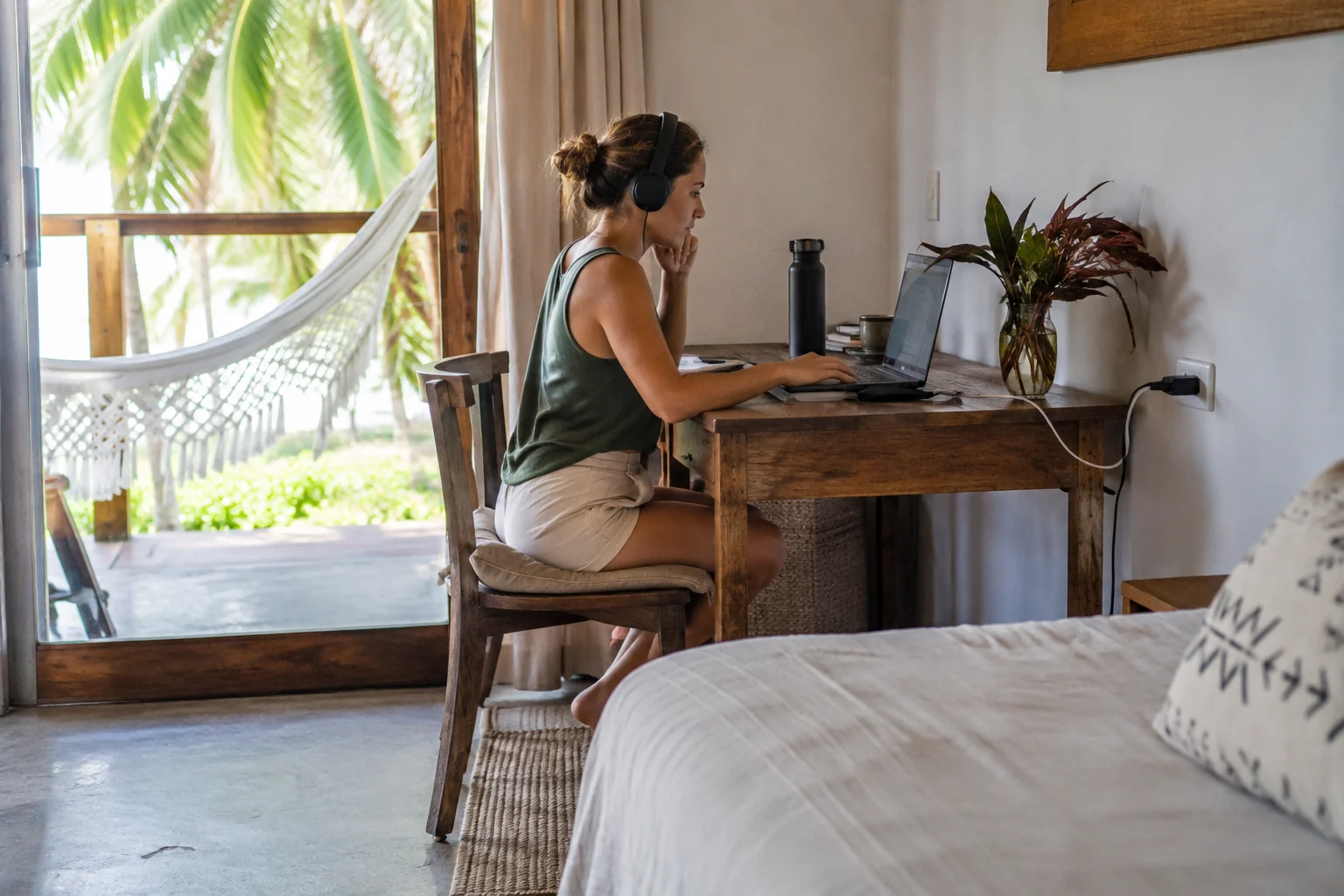
The images in this article show illustrative work settings, not verified internet performance or a named property's exact room. Use photographs to frame questions, then obtain current evidence from the host and test your own setup after arrival. A workation succeeds when the environment supports the work that pays for the trip and leaves predictable space to enjoy Santa Teresa.
Frequently asked questions
Can I work from any café in Santa Teresa?
No. Confirm laptop policy, seating, power and call suitability. A café recommendation is not a coworking guarantee.
Is advertised fibre enough to judge a workspace?
It identifies the advertised connection type, not the performance you will receive. Test the actual connection and call environment.
Should I book a month before testing the room?
If reliable work is essential, seek concrete evidence and flexible terms. A short initial stay or trial workspace can reveal issues that listing photographs do not.
Summary
Build a Santa Teresa workation around the hours, workspace and connection your job requires. Test the setup where possible and keep a practical backup for essential work. Once the working day is supported, you can plan meals and downtime around it without repeatedly rearranging your accommodation or transport.
Protect the non-negotiable work block
Schedule important calls in the most proven location, test internet beforehand and move leisure around that block. Do not discover the backup plan after the meeting has started.