

Getting connected in Santa Teresa is simpler when you check your phone before shopping for a plan. You need a compatible device, a package that covers the way you use data and a working connection before you rely on maps or booking apps. A few checks before arrival can save time later.
Check the phone before comparing packages
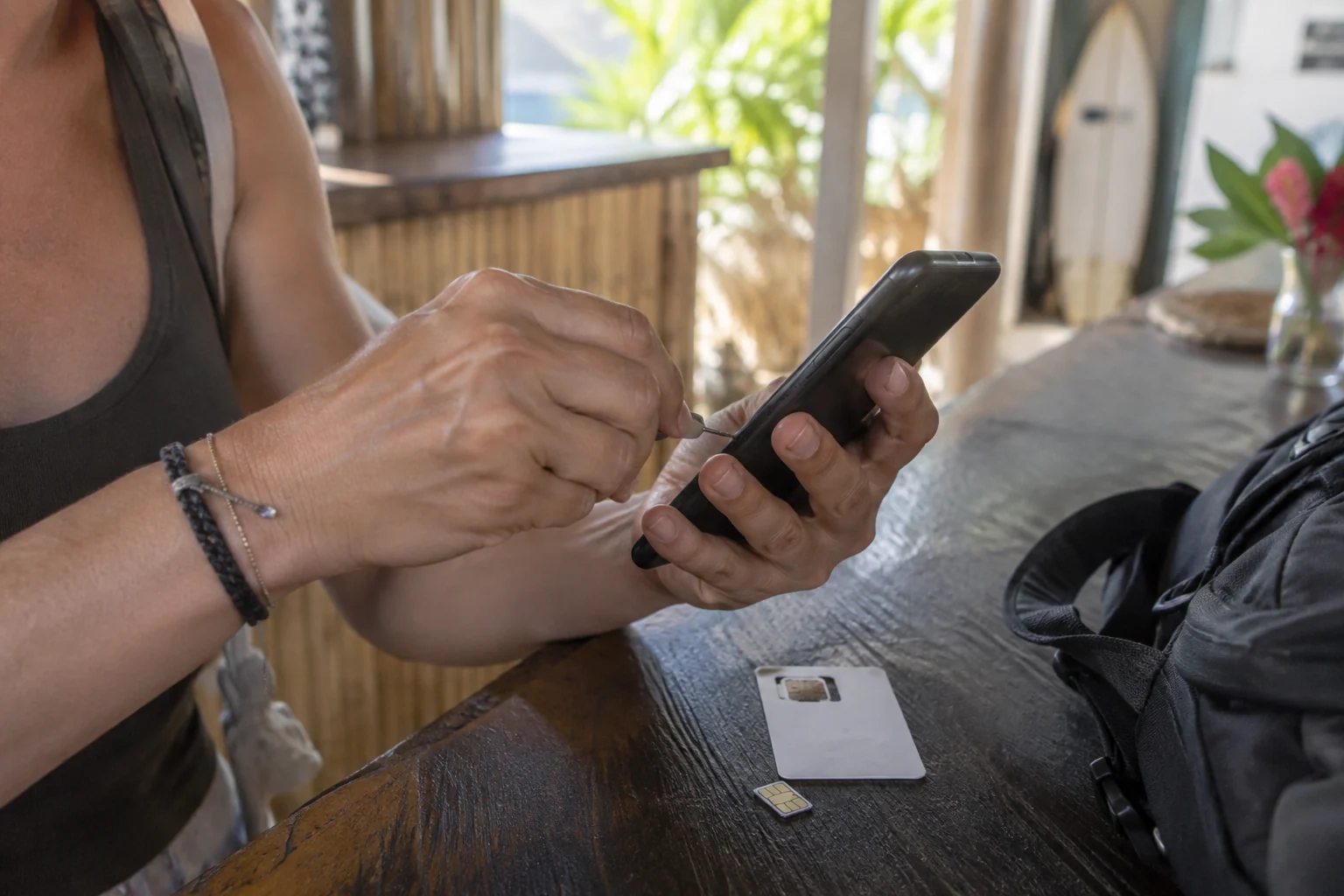
Make sure the phone can use another provider and supports the SIM or eSIM format you intend to buy. Check these details while you still have a working connection, so you can complete activation without rushing.
Keep access to the number used for important account verification. If banking or travel accounts send codes to your usual number, understand how your phone handles both lines before switching settings.
Compare three practical options
| Option | Useful when | Questions to resolve |
|---|---|---|
| Existing provider's roaming | You want to keep your current arrangement | Costa Rica inclusion, allowance and charges |
| Local physical SIM | Your phone accepts it and you can complete activation | Documents, installation, top-up and local service |
| Travel or local eSIM | Your device supports the specific product | Activation timing, network, hotspot and data-only limits |
The label “eSIM” describes the installation format, not a guarantee of coverage or a particular network.
Compare the operator’s current plan
Kölbi publishes a tourist-SIM information page. Confirm the current package, eligibility and purchase process with the operator. Do not use an old travel article's allowance or price as a current quotation.
For any provider, identify the actual network and the plan's validity period. Check whether the clock starts at purchase, installation or first connection. For a longer stay, understand how top-ups and renewals work before the first allowance runs out.
Match coverage to the place you will use it
Ask the accommodation which networks work reliably at the property, including inside the room or workspace. Treat that as local guidance rather than a universal performance guarantee. Hills, building materials and congestion can change the experience.
If you need work calls, try your usual calling app where you will work. A short speed test is useful, but a real call tells you more about interruptions and audio. Keep a backup connection or workspace for fixed meetings.
Run a short setup test
After activation, turn off Wi-Fi briefly and check that mobile data works. Open a map, send a message and try any app you will need for the first journey. Turn Wi-Fi back on when you have finished testing.
Check how to see the remaining allowance and when the plan expires. Save the operator’s support route while everything is working, so you know where to go if the connection changes.
Prepare the Bimba app before the first ride
Use a reliable connection to install the app, complete account setup and understand the payment flow. See the riding instructions before standing beside a vehicle.
Keep enough battery for the entire outing, including ending the ride and arranging an alternative if needed. Do not assume that turning off data immediately after unlocking will leave every service step available.
Test the things you will actually use
Once connected, switch off Wi-Fi briefly and open a map or send a message. That confirms you are using the mobile connection rather than the accommodation network. If work depends on a hotspot, test that function too and check the plan's allowance.
Keep activation instructions accessible before you remove an old SIM or change settings. If your usual number receives banking or booking codes, understand how you will keep access to it. A data connection and a working phone number are not always the same service.
Download useful addresses and arrange your first pickup in advance. Offline information helps you find your bearings, while live services such as vehicle availability still need a working connection.
For the next part of your plan, see our planning a workation and testing a coworking space.
Frequently asked questions
Is one network best everywhere in Santa Teresa?
Coverage depends on where you use the phone. Ask about service at your accommodation and test the connection in the places that matter to you before relying on it for work.
Does a data-only eSIM give me a local phone number?
Not necessarily. Read the product description and confirm whether calls or texts are included.
Can I rely only on café Wi-Fi?
That may work for occasional browsing, but it is a weak plan for live navigation or services you need between venues. Choose connectivity around those uses.
Summary
Choose mobile data for the way you will use your phone during the trip. Confirm compatibility, activation, allowance and validity before buying, and check calls or verification messages separately from internet access. Set up the essentials before a time-sensitive journey so your connection supports the trip from the start.
Buy connectivity for your actual use
Confirm eSIM compatibility and local coverage before arrival. If you will work remotely, test the connection early and keep accommodation Wi-Fi or another carrier as backup.